Installing Part Packs
Part packs are a type of asset mod that add new parts to Spaceflight Simulator (SFS) that can be used in building crafts, such as new engines, landing gear, fuel tanks, etc.
Installing part packs is a straightforward process that involves placing the mod file in the correct directory within the SFS game folder.
Part packs come in the form of .pack files.
Finding and Downloading Part Packs
You can find all authorised part packs from the SFS Forums.

Download the .pack file of the part pack you want to install to your computer or device.
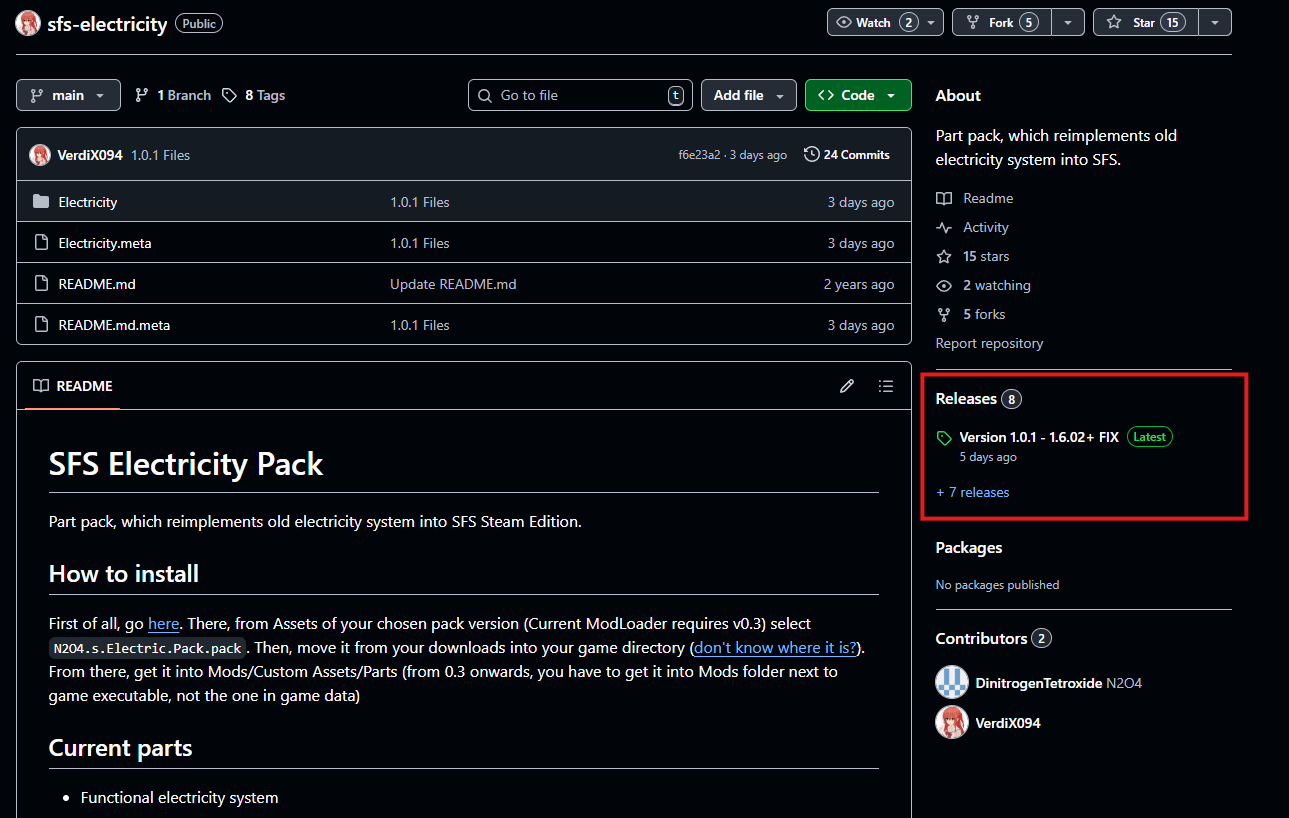
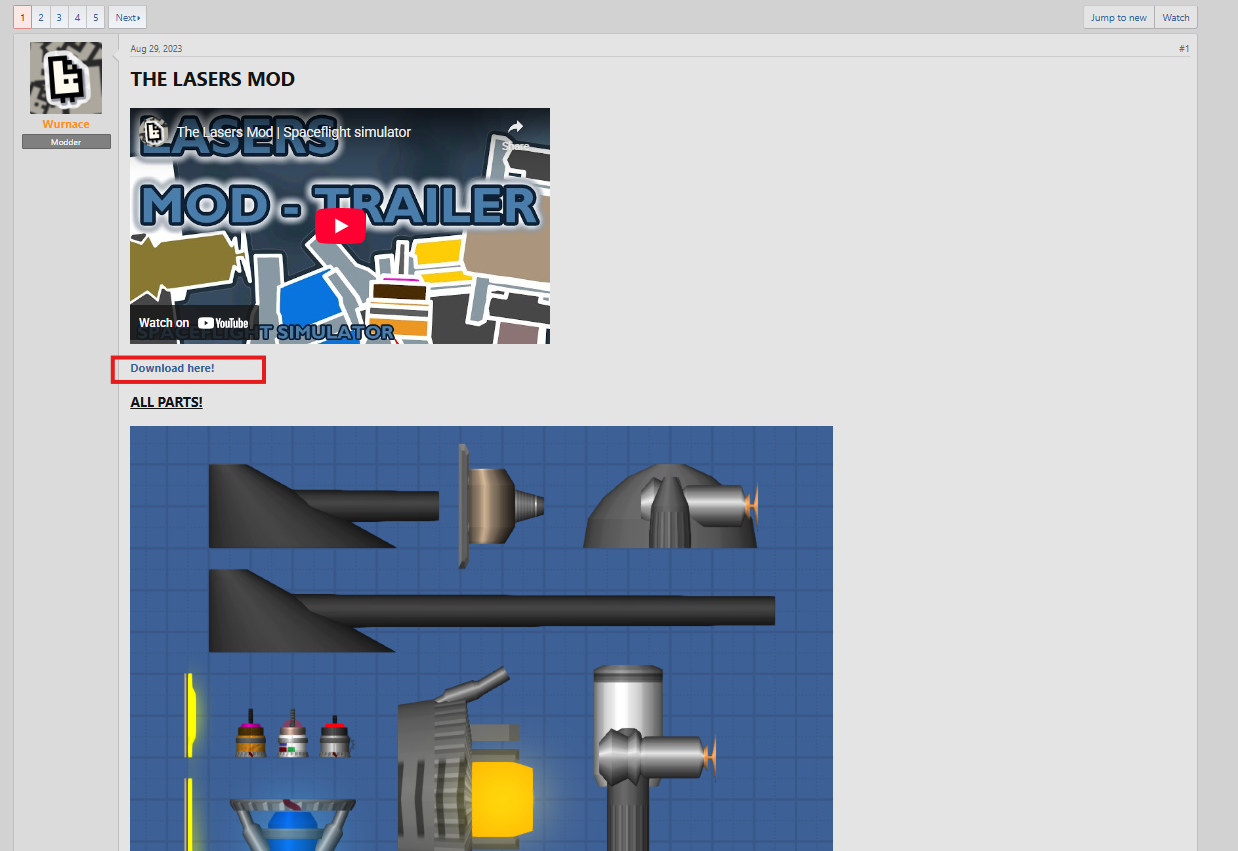
Typically, this is a link on the post, or on the Releases section if the part pack is hosted on GitHub.
Installation
First, you need to find your SFS game folder. The location of the game folder varies depending on your platform. Refer to the Mod Installation guide for detailed instructions on locating your game folder.
Once you have located your SFS game folder, follow these steps to install a part pack:
- Place the
.packfile of the part pack into theMods/Custom Assets/Part Packsfolder. - Launch Spaceflight Simulator. The game should automatically detect and load the part pack.
- Enable the part pack in the game's settings menu under the "Mods" section.
- Start a new game or load an existing save to see the new parts available in the build menu.
Using Part Packs
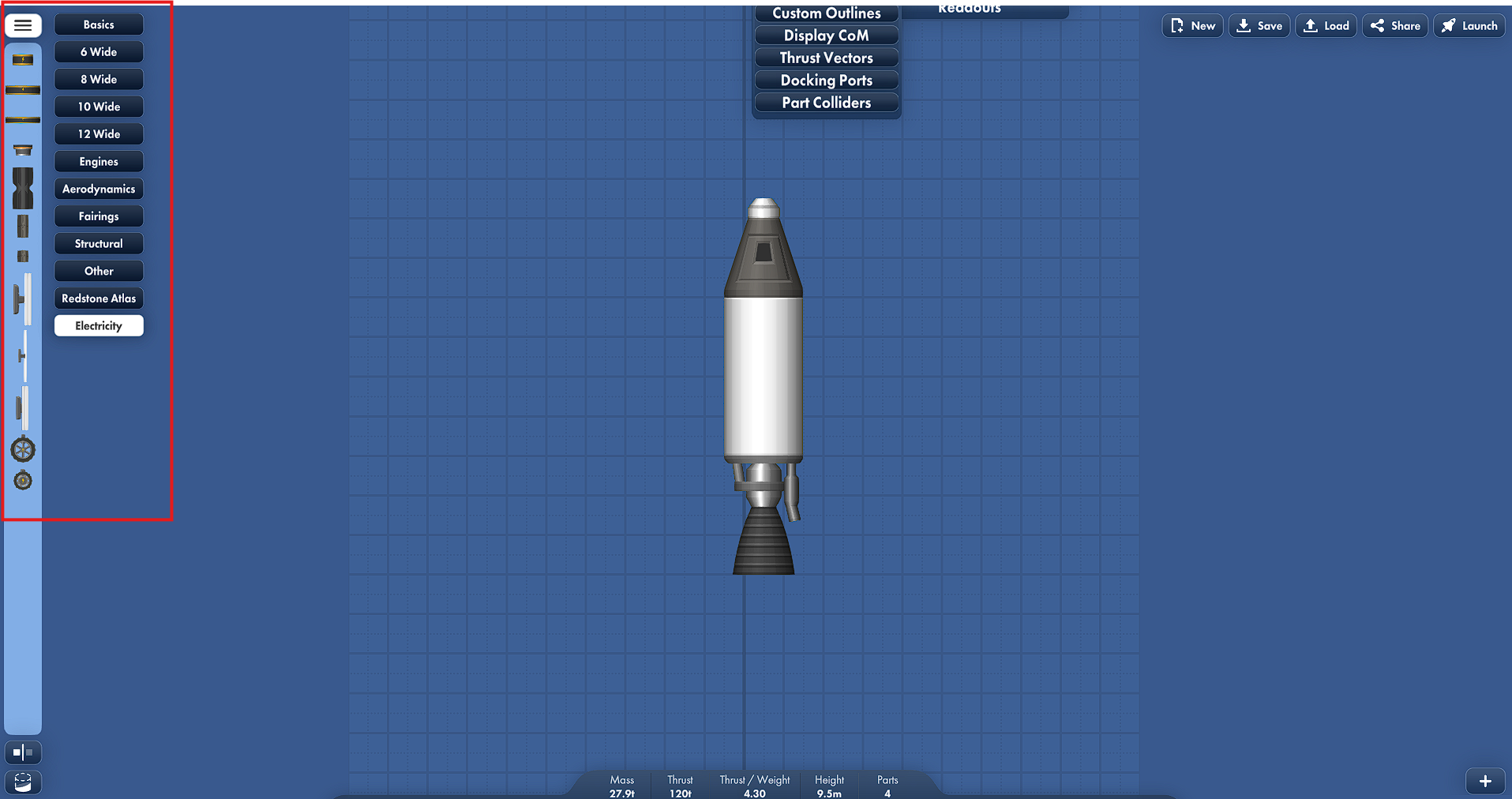
There are several part categories in SFS on the left side of the build menu, such as basics, 6 wide, engines, etc. Most mods will add new parts to new categories that they create, but some mods may add parts to existing categories.
You can simply look for the new category created by the part pack mod in the build menu to find and use the new parts added by the part pack.