Installing Planet Packs
Planet Packs can be downloaded from the Spaceflight Simulator forum, which is available here.
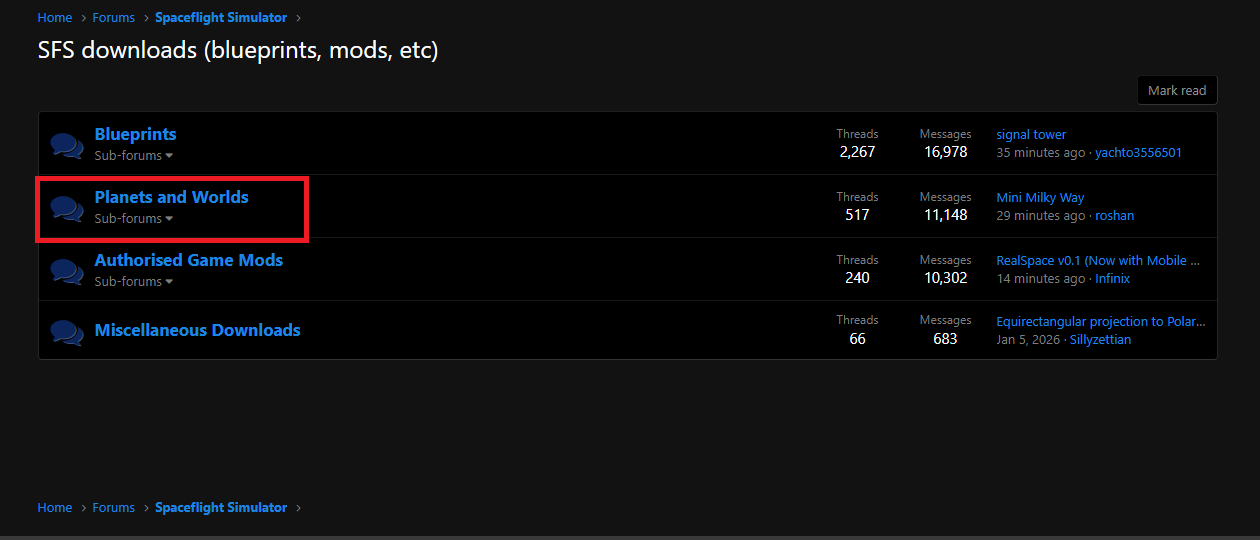
This guide demonstrates the installation process using Better Stock System as an example. Most Planet Packs include a downloadable attachment within their forum post, as shown below.
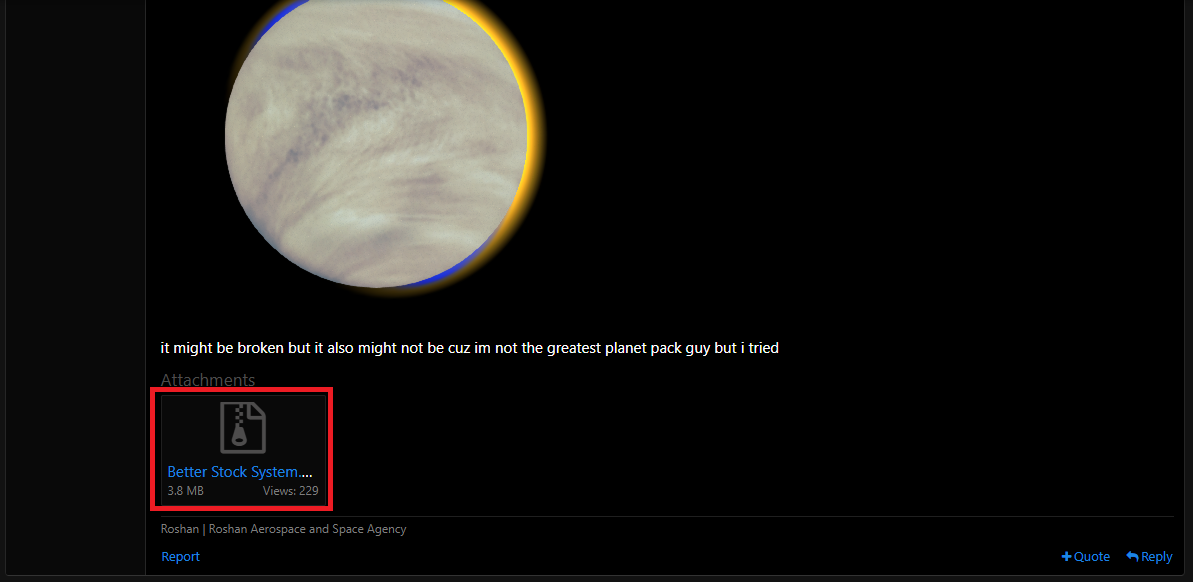
Click on the attachment to download the Planet Pack.
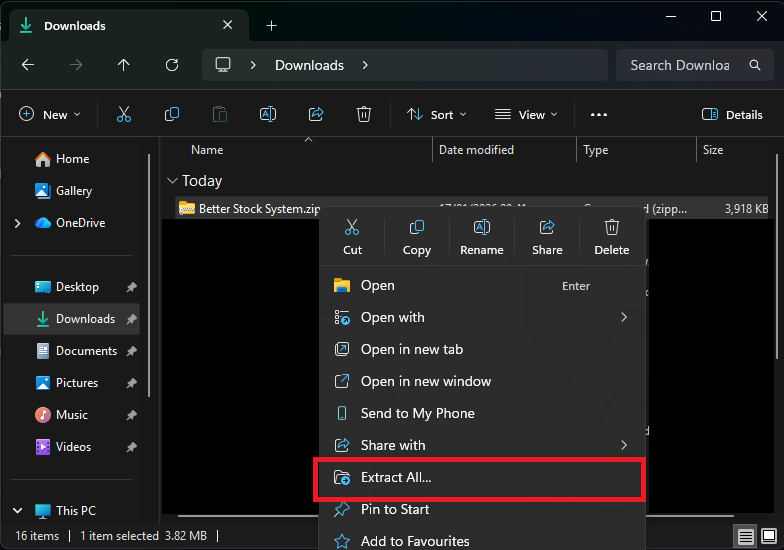
After the download is complete, right-click the downloaded file and select Extract All.
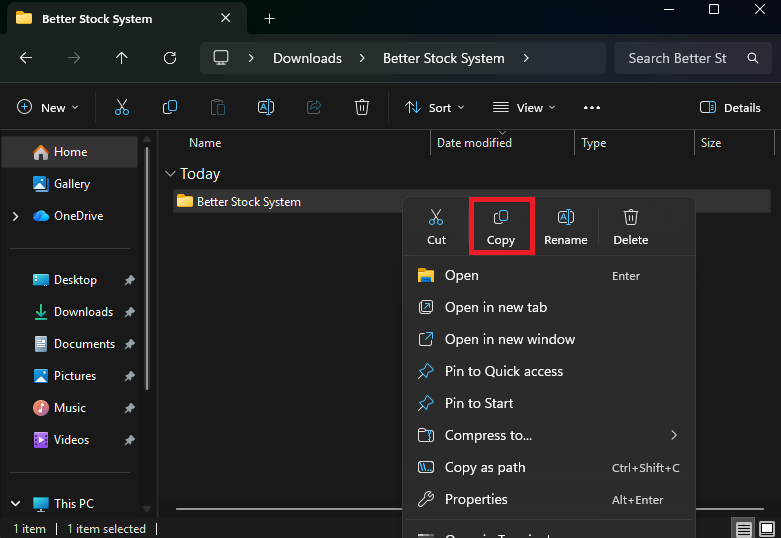
Once extraction is complete, open the extracted folder. Inside, you will find a folder containing the Planet Pack data. Copy this folder into the following directory:
Spaceflight Simulator Game/Spaceflight Simulator_Data/Custom Solar Systems
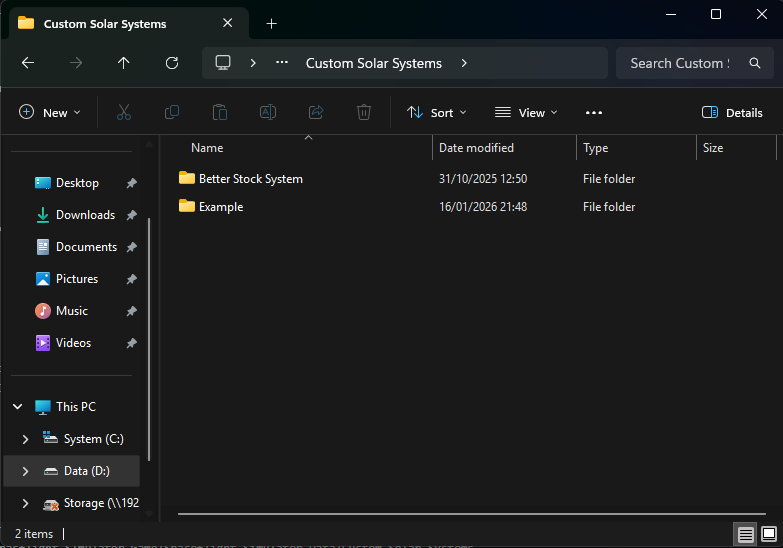
If the installation has been completed correctly, the Custom Solar Systems directory should appear similar to the example below.